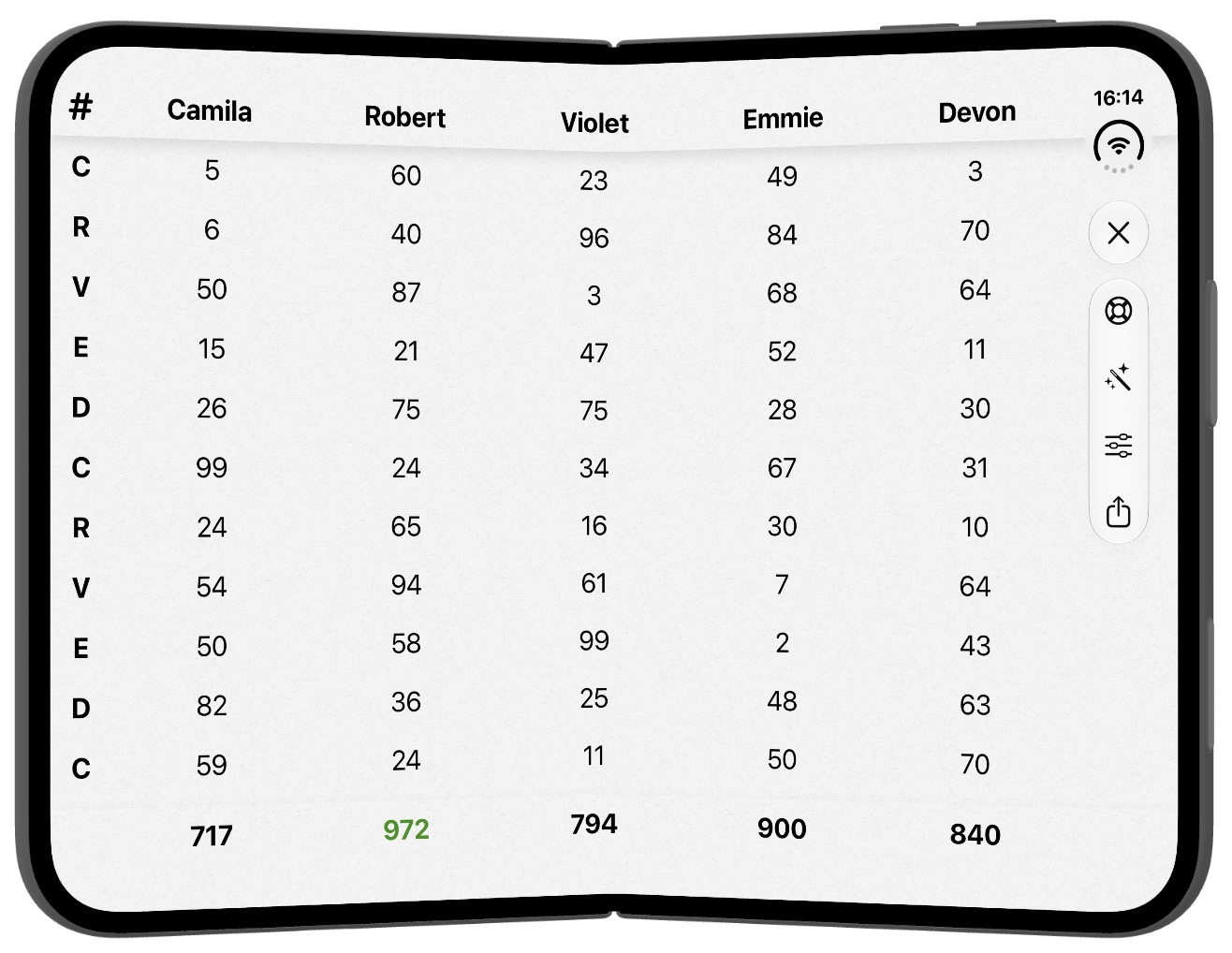
Score Card 5.0.0 is out. Most of the work revolved around supporting the iPhone Duo.
The biggest change is moving to native toolbars. They take up a little bit more space on some screens, but make for a
nice consistent layout across all devices. The numeric keyboard has also been updated to look better and behave properly
around the Duo’s fold.
There have also been some minor bug fixes around deleting recent player names.
I picked up an Apple QuickTake earlier this year. I’ve been having fun with it, but my process to get the
pictures on to a modern machine was a little tedious.
While steps 1-3 can’t be helped, and running shell scripts is fun, I decided to over-engineer a solution instead.
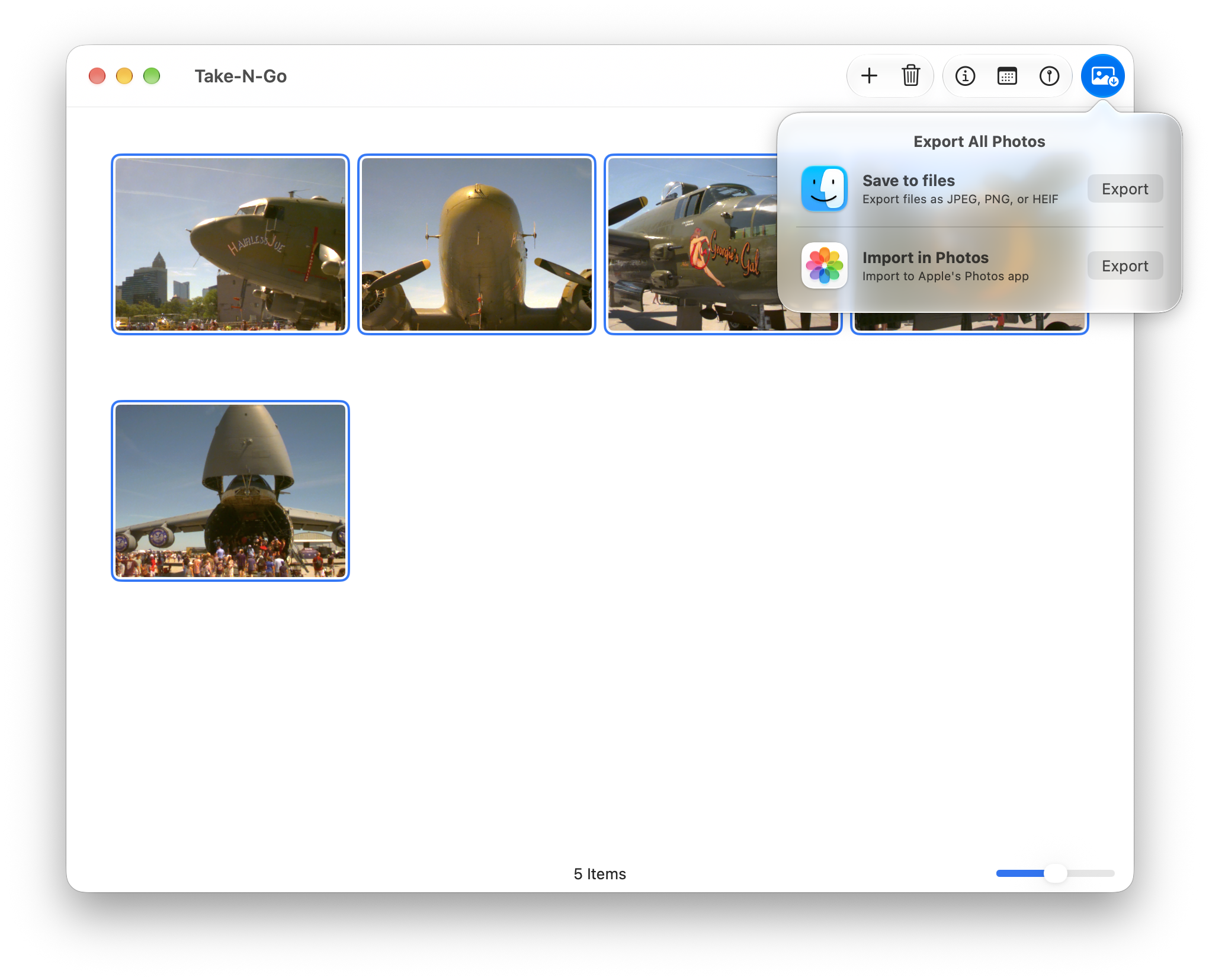
Take-N-Go is a SwiftUI app that wraps libraw to convert the images. You set the time and location
of the images and then either export them to file or import them to the Photos app.
Take-N-Go
Technical Notes
I opted to target just macOS 27. This let me use the new reorderable() APIs. These work, but they can
cause some odd animations with multiple selections.
I also had drag-n-drop support from the Finder, but that conflicted with reorderable(). I couldn’t find
a good solution to mix both, so I opted for reordering.
Dragging files on to the app icon works, but there was some weird behavior where the window would seemingly stutter
resizing over and over. If you use SwiftUI’s onOpenURL(perform:), it can only handle 1-2 files and the
rest are ignored. If you use an AppDelegate to handle the open, you get the weird stutter. But if you use both, it
seems to fix it. You are handling URLs in two places, but it works.
Score Card 4.0.3 adds design improvements to better fit with iOS 26. This is a subtle change
and also keeps most of the design elements for iOS 18 the same.
Of note, the numeric keyboard is styled closer to modern iOS’s keyboard. The settings menu from either game
type is now a standard popup menu. For iOS 26, a lot of the buttons were glass-ified.
Day 15 of Advent of Code is represented by a robot going haywire and moving boxes around. In part 2, these
boxes go from occupying 1 space to occupying 2.