Take-N-Go
- Date
I picked up an Apple QuickTake earlier this year. I’ve been having fun with it, but my process to get the pictures on to a modern machine was a little tedious.
- Pull the images on to a vintage Mac.
- Copy the images to a Netatalk server.
- Copy the images via Samba to a modern Mac.
- Run a shell script to convert the images to JPEG.
- Import the photos in to the Photos app.
- Adjust the time and location.
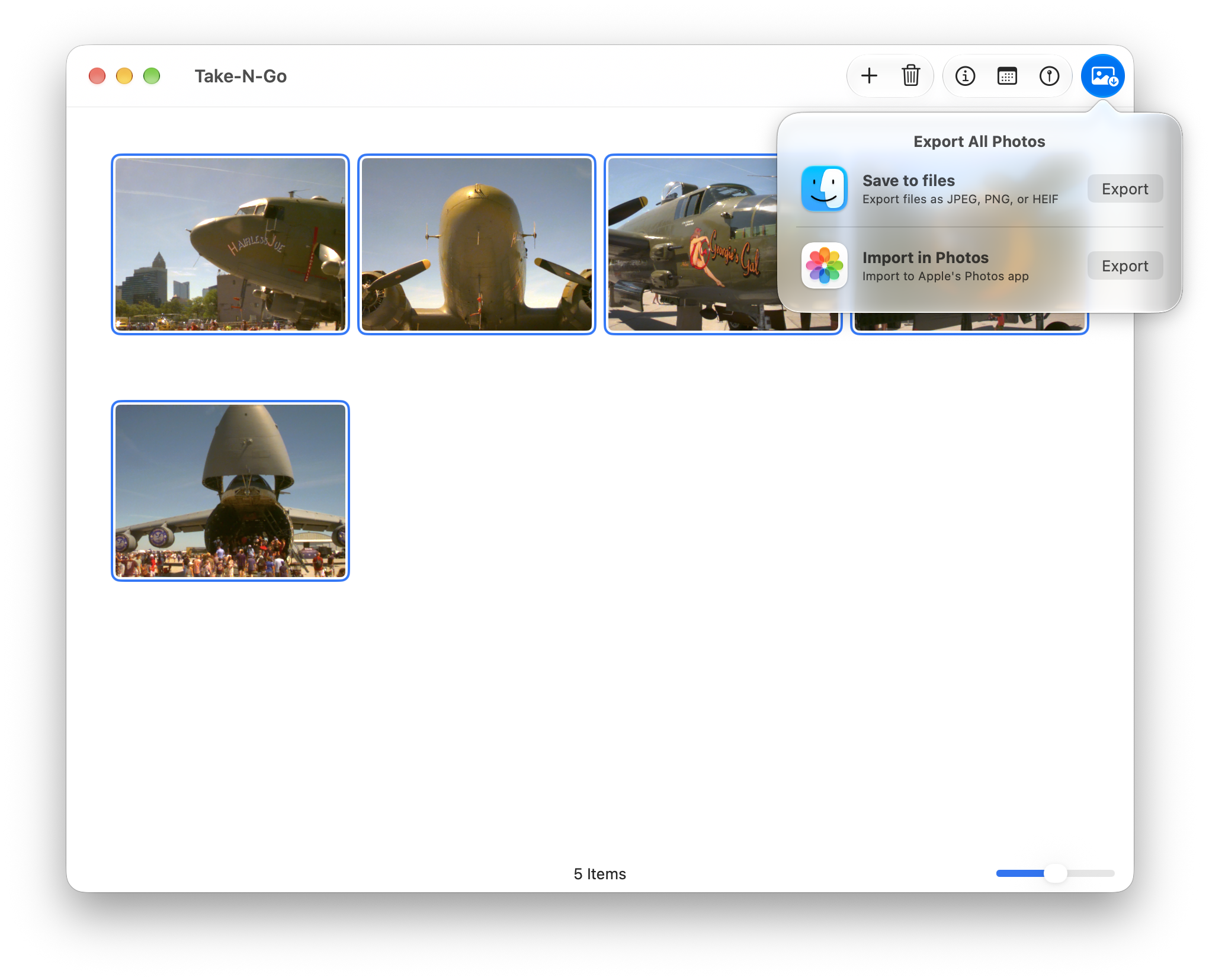
While steps 1-3 can’t be helped, and running shell scripts is fun, I decided to over-engineer a solution instead. Take-N-Go is a SwiftUI app that wraps libraw to convert the images. You set the time and location of the images and then either export them to file or import them to the Photos app.
Technical Notes
I opted to target just macOS 27. This let me use the new reorderable() APIs. These work, but they can cause some odd animations with multiple selections.
I also had drag-n-drop support from the Finder, but that conflicted with reorderable(). I couldn’t find a good solution to mix both, so I opted for reordering.
Dragging files on to the app icon works, but there was some weird behavior where the window would seemingly stutter
resizing over and over. If you use SwiftUI’s onOpenURL(perform:), it can only handle 1-2 files and the
rest are ignored. If you use an AppDelegate to handle the open, you get the weird stutter. But if you use both, it
seems to fix it. You are handling URLs in two places, but it works.